SuperModal.js an image modal that gets out of the way
Galleries, zoom, swipe, a slideshow and a grid view for the images on your page. No dependencies, 9.5 KB of JavaScript gzipped.

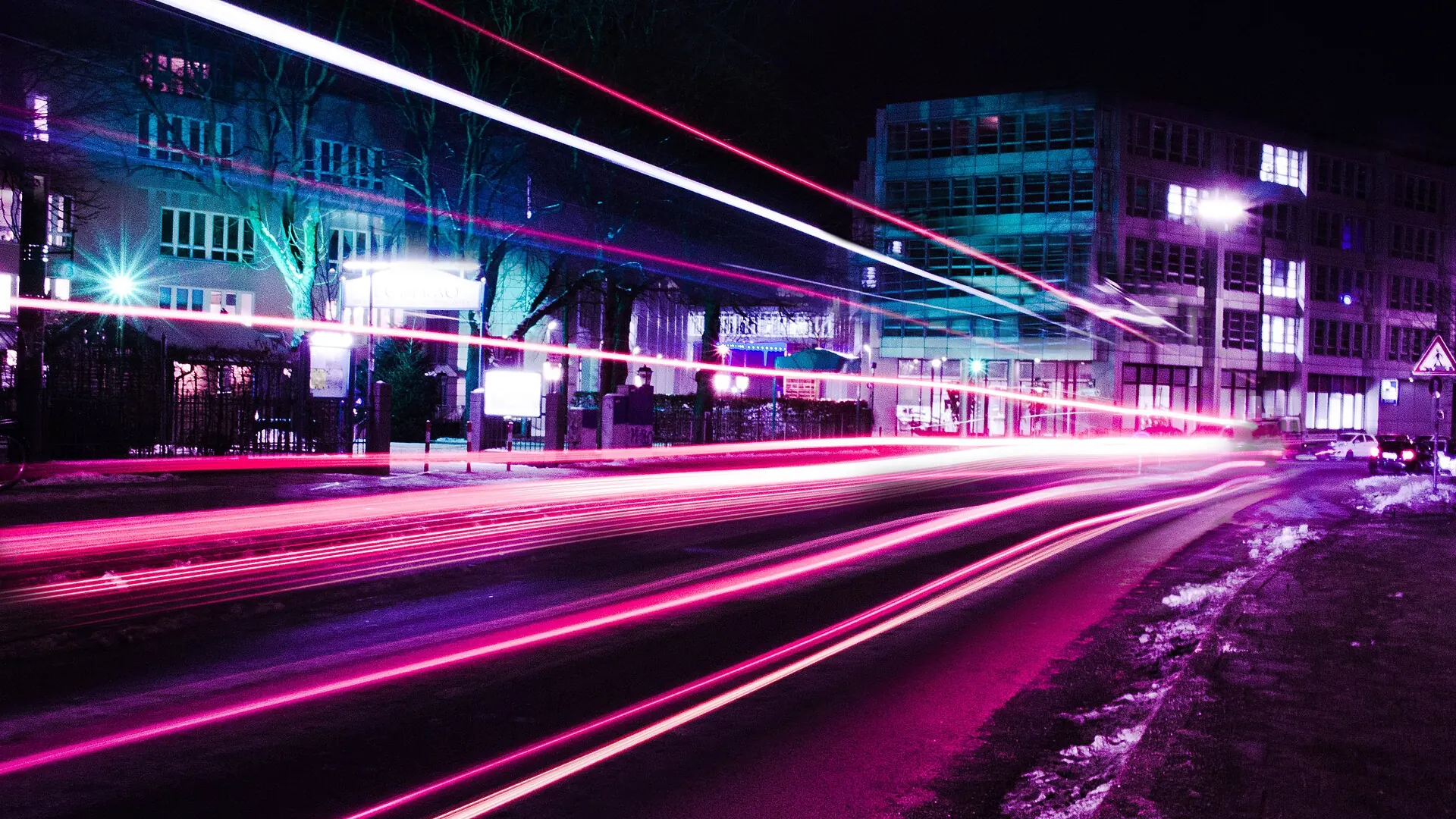


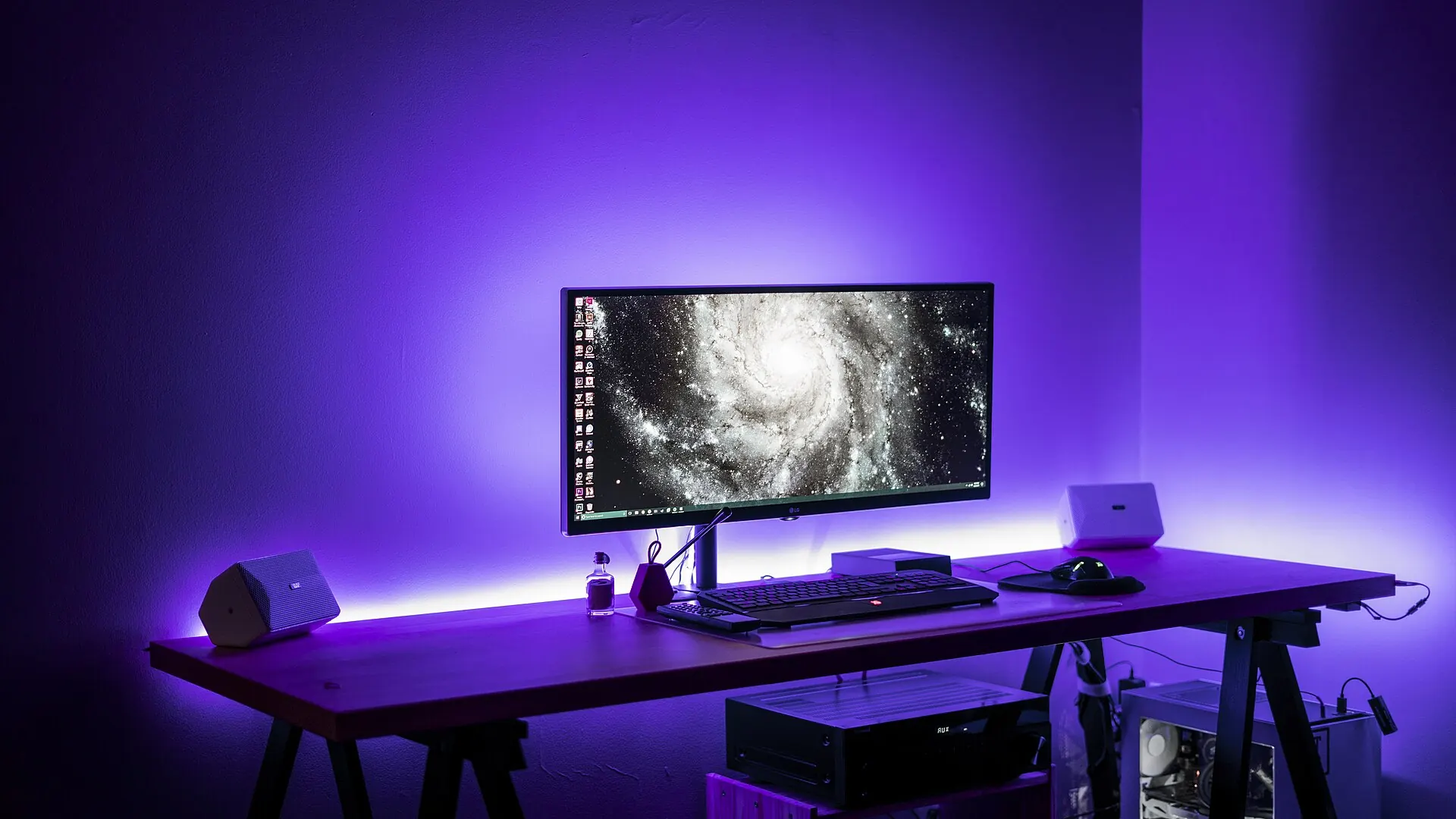





Click any frame. On a phone, swipe the strips sideways.
What it does
You write plain links to your images. SuperModal turns them into a full-screen viewer that works the same with a mouse, a keyboard or a finger.
Galleries from plain links
Add
data-supermodalto your links. Links with the same name become one gallery, with a thumbnail strip.Zoom and pan
Double click or double tap, pinch, the zoom button or Z. Drag to look around the zoomed image.
Made for touch
Swipe between images and swipe down to close. On phones the extra tools fold into one menu.
Slideshow and grid view
Space starts a slideshow with a progress line. G shows every image of the gallery at once.
Sharp on every screen
Give an image a
srcsetand the browser loads the file that fits the screen.Part of the page
The Back button closes it, focus returns to the link you clicked, and the page doesn't jump when scrolling is locked.
Accessible
A real
<dialog>with labelled buttons, full keyboard control and support for reduced motion.Safe captions
Caption HTML is cleaned against an allowlist, so captions written by visitors can't run scripts.
Drop-in replacement
With compat mode on, links written for FancyBox, Lightbox2, prettyPhoto, Colorbox and others open in SuperModal unchanged.
Try it
Each demo shows the markup or the call that produced it. The event log under the JavaScript demo records every demo on this page.
A gallery in the light theme
Options can travel with the markup: the first link's JSON sets the light theme for the whole gallery. Press G for the grid view.







<a href="images/harbour/world-04.webp"
   data-supermodal='{"group":"harbour","theme":"light","title":"Boat Ship"}'>
  <img src="images/harbour/world-04-480.webp" alt="Boat Ship">
</a>
<a href="images/harbour/world-09.webp"
   data-supermodal='{"group":"harbour","title":"Boats Ships"}'>
  <img src="images/harbour/world-09-480.webp" alt="Boats Ships">
</a>
<!-- ...more links in the "harbour" group -->
A single image
A link without a group opens on its own: no counter, arrows or strip.
<a href="tower.webp" data-supermodal
   data-title="Twisting building facade"
   data-caption="Photo by Pavel Fertikh, CC0.">
  <img src="tower-960.webp" alt="Twisting building facade">
</a>
From JavaScript
Open any list of images, with or without links on the page. This one starts the slideshow.
SuperModal.open([
  { src: 'polar-lights.webp', title: 'Green and red polar lights' },
  { src: 'light-trails.webp', title: 'Neon light trails in Munich' },
  { src: 'spiral-stairs.webp', title: 'Spiral staircase' }
], 0, { autostart: true, interval: 3 });

document.addEventListener('supermodal:change', (e) => {
  console.log(e.detail.index, e.detail.item.title);
});
A page in the modal
Frame mode opens a page of your site in an iframe with the same look: a picker, a form, a video.
SuperModal.frame('picker.html', { title: 'Choose an image' });

// in picker.html, when the visitor is done:
parent.SuperModal.close();
Markup written for another lightbox
These links were written for FancyBox. With compat mode on (this page turns it on), SuperModal opens them as they are.
<script>window.SuperModalDefaults = { compat: true };</script>

<a href="night.webp" data-fancybox="old"
   data-caption="Written for FancyBox">
  <img src="night-960.webp" alt="">
</a>
Install
Two files, no build step. Every release keeps its own address, so a page that loads dist/1.0.0/ never changes under you; dist/latest/ always has the newest release.
<link rel="stylesheet" href="https://fevangelou.github.io/supermodal.js/dist/1.0.0/supermodal.min.css">
<script src="https://fevangelou.github.io/supermodal.js/dist/1.0.0/supermodal.min.js" defer></script>
Or download supermodal.min.js and supermodal.min.css from the dist folder on GitHub and host them yourself. The readable sources are next to them.
Then add data-supermodal to the links of your images. Use the same name for the links of one gallery:
<a href="photos/beach.jpg" data-supermodal="holiday"
   data-title="The beach" data-caption="Day one, <b>early</b> morning">
  <img src="photos/beach-small.jpg" alt="The beach">
</a>
<a href="photos/harbour.jpg" data-supermodal="holiday">
  <img src="photos/harbour-small.jpg" alt="The harbour">
</a>
That's all. Links added later, for example by infinite scrolling, work too: SuperModal listens for clicks on the whole page.
Reference
Everything SuperModal reads from your markup, the options, the JavaScript API, its events and the CSS variables you can change.
Markup
| Attribute | On | What it does |
|---|---|---|
data-supermodal | a link | Opens the link's image in the modal. The value is a group name ( |
data-title | a link | Title shown above the caption. |
data-caption | a link | Caption; HTML allowed (links, emphasis, lists) and cleaned. Without it, the link's title is used. |
data-srcset | a link | A srcset for the full-screen image, e.g. "a-960.webp 960w, a.webp 1920w". |
data-thumb | a link | Image for the thumbnail strip and the grid view. Default: the link's <img>, else the image itself. |
data-download | a link | Shows a download button for this file. |
data-supermodal-item | any element | JSON with a src and a group: an image that belongs to a gallery but has no link on the page. These come first in the gallery. |
<template class="supermodal-html" data-supermodal-for="holiday"> | the page | Extra HTML shown under every image of that gallery, such as a credit line. Scripts in it are removed. |
data-supermodal-gallery | a container | Compat mode: groups links that only have another lightbox's class (.swipebox, .highslide...) per container instead of per page. |
Options
Set them for the page with SuperModal.setDefaults(), or in window.SuperModalDefaults before the script loads. theme, thumbs, loop, autostart and interval can also be set per gallery, in the JSON of its first link, or per SuperModal.open() call.
| Option | Default | What it does |
|---|---|---|
theme | 'dark' | 'dark' or 'light'. |
thumbs | true | Shows the thumbnail strip under the image. |
loop | true | Goes from the last image back to the first. |
autostart | false | Starts the slideshow when the modal opens. |
interval | 5 | Seconds per image in the slideshow. |
compat | false | Also opens links written for other lightboxes: data-fancybox, data-lightbox, Fresco, Strip, Lightview, Nivo, rel="prettyPhoto[…]", rel="lightbox[…]", Colorbox, Swipebox, Highslide, Magnific Popup. Only links to image files. |
strings | English | Button labels and messages: close, prev, next, play, pause, zoom, grid, download, fullscreen, more, counter ('Image {i} of {n}'), loading, error. |
JavaScript
| Method | What it does |
|---|---|
SuperModal.open(items, index, options) | Opens a gallery at |
SuperModal.close() | Closes the modal (and frame mode). |
SuperModal.next(), prev(), goTo(index) | Moves through the open gallery. |
SuperModal.isOpen() | Whether the modal is open. |
SuperModal.frame(url, { title }) | Opens a page of your site in an iframe with the modal's look. |
SuperModal.setDefaults(options) | Changes the options for everything opened afterwards. |
Events
Dispatched on document; the details are in event.detail.
| Event | When | Detail |
|---|---|---|
supermodal:open | The modal opened. | index, item, items |
supermodal:change | Another image is shown. | index, item, items |
supermodal:close | The modal closed. | index, item |
Keyboard and gestures
| Input | What it does |
|---|---|
| Left and right arrows, swipe sideways | Previous and next image. |
| Home, End | First and last image. |
| Space | Starts or pauses the slideshow. |
| Z, double click, double tap, pinch, Ctrl + wheel | Zooms in and out; drag to pan. |
| G | Shows or hides the grid view. |
| Esc | Leaves the zoom, the grid view or the phone menu first, then closes. |
| Swipe down, the Back button | Closes. |
Styling
Change any of these variables on .supermodal, or on .supermodal--light for the light theme only:
.supermodal {
    --sm-accent: #0a7cff;   /* active buttons, focus, slideshow progress */
    --sm-bg: rgba(16, 16, 18, .985);
    --sm-fg: #f2f2f2;
    --sm-muted: #a8a8ad;
    --sm-btn-bg: rgba(255, 255, 255, .08);
    --sm-btn-bg-hover: rgba(255, 255, 255, .18);
    --sm-font: inherit;
    --sm-font-size: 15px;
    --sm-bar-height: 52px;
    --sm-btn-size: 40px;
    --sm-stage-pad: 56px;   /* room for the arrows beside the image */
    --sm-thumb-size: 56px;
    --sm-grid-gap: 8px;
    --sm-radius: 4px;
    --sm-duration: .25s;
    --sm-easing: cubic-bezier(.2, .7, .2, 1);
}
SuperModal works in the current versions of Chrome, Edge, Firefox and Safari, on desktops and phones.